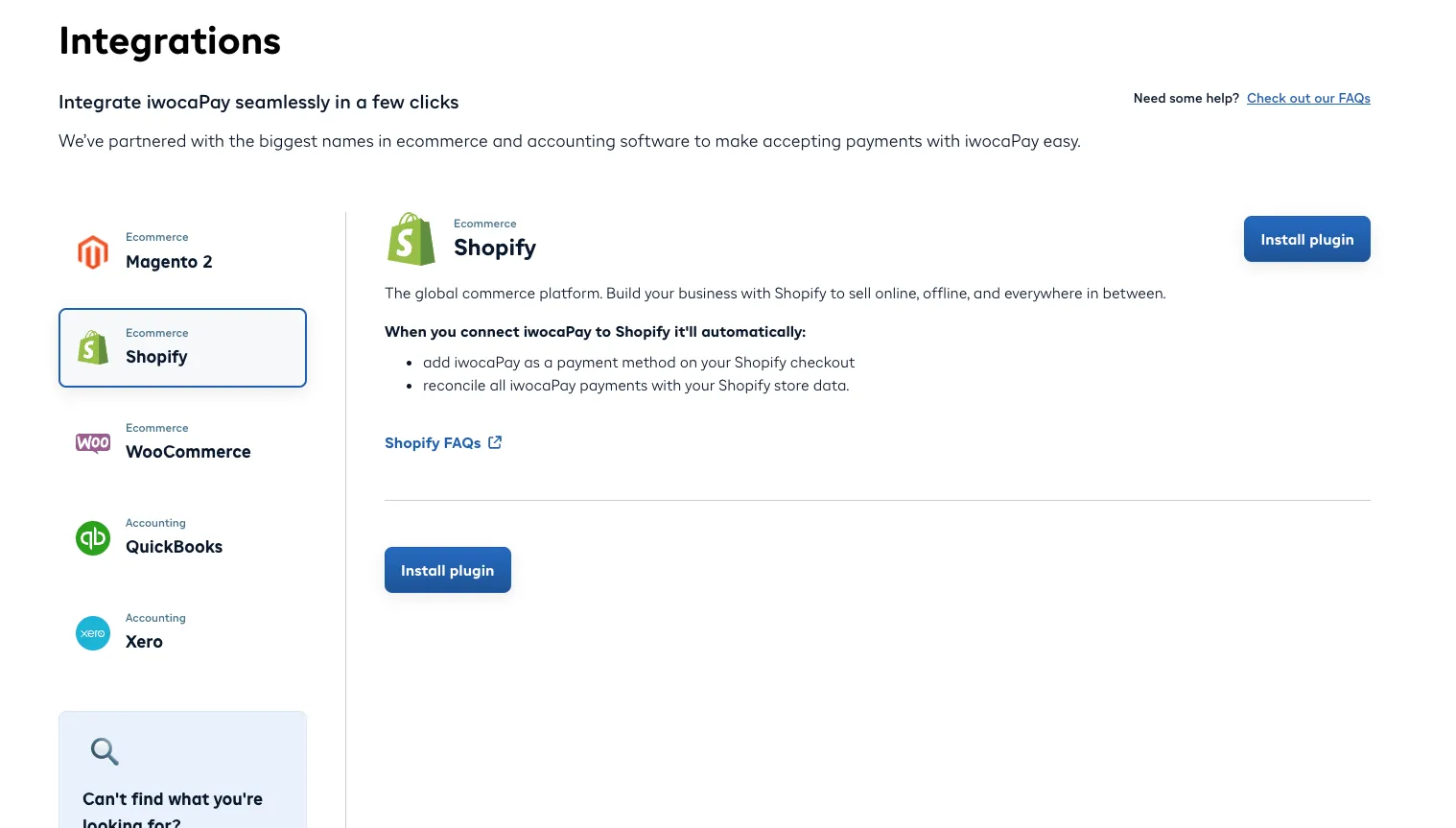
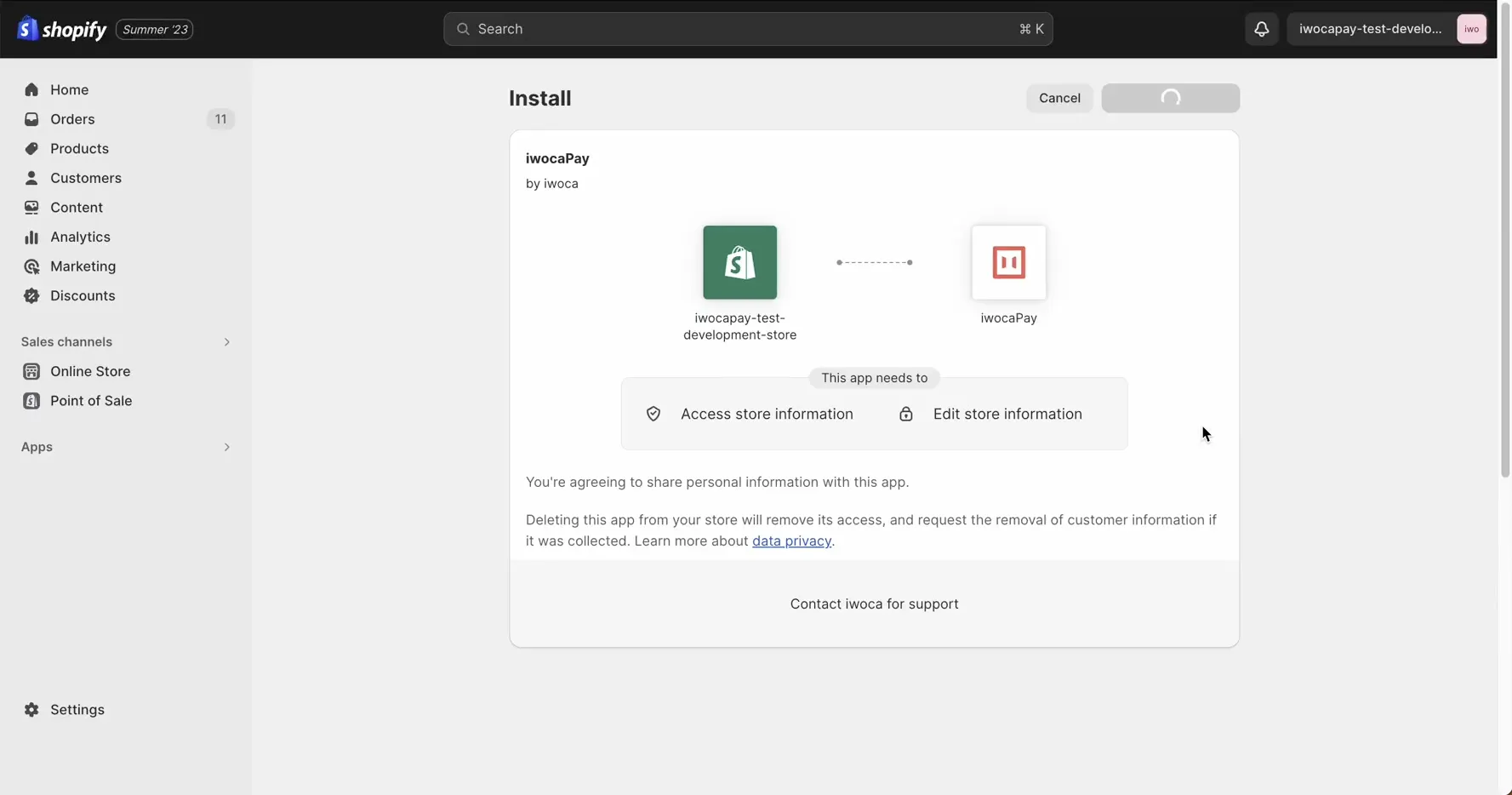
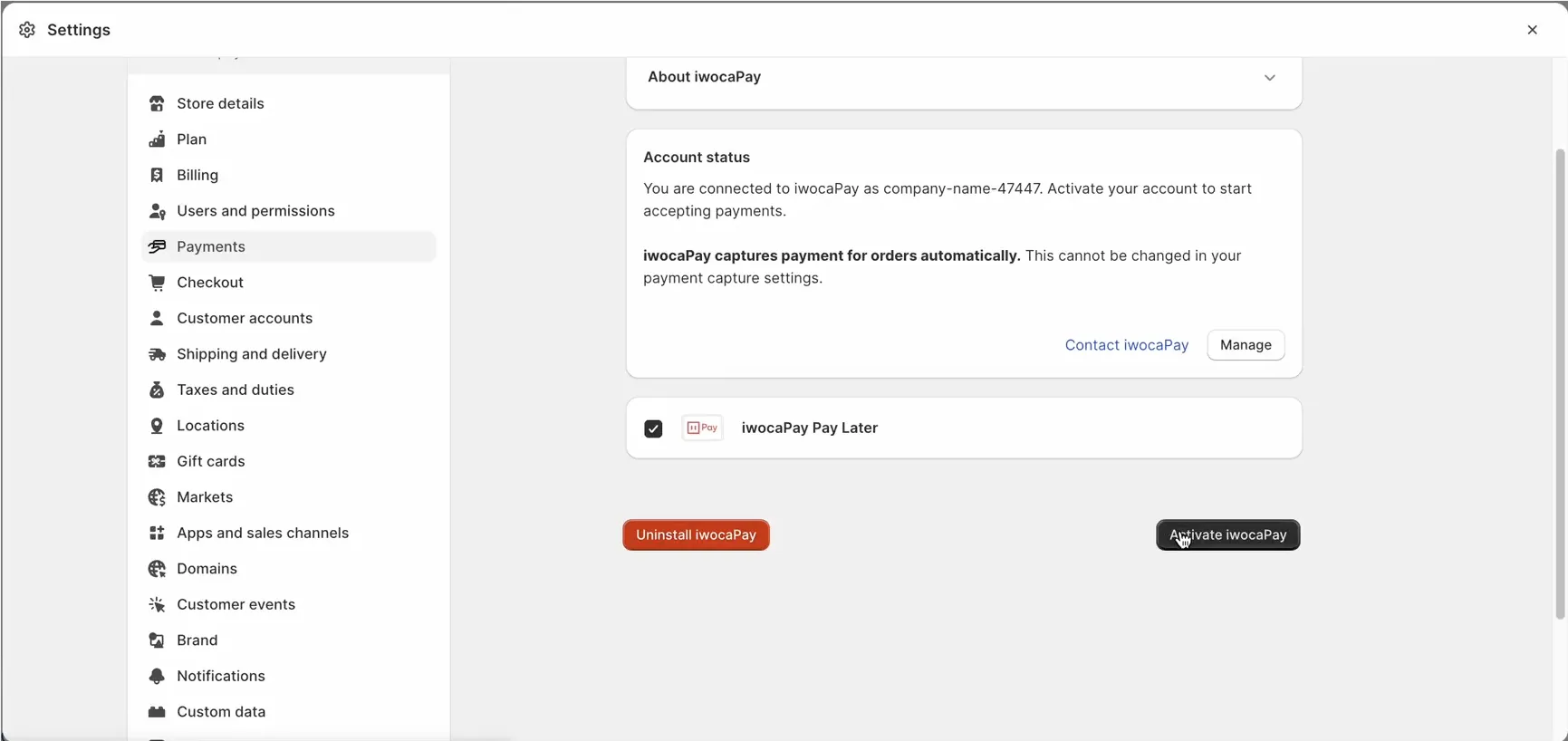
After you’ve installed and activated the iwocaPay app, it will integrate seamlessly as a payment option in your Shopify store.
Payments made through iwocaPay will automatically reconcile with your store data, streamlining your business operations.
With a few clicks, you can offer Buy Now, Pay Later to your customers.
If you’re using Shopify 2, you also can automatically enhance your store with marketing banners, making it easy to inform customers about flexible payment options.
Before You Begin
Installing the iwocaPay app on Shopify typically takes just a few minutes.
No technical expertise is required.
If you offer Pay in 12, it will appear alongside Pay in 3 as a single iwocaPay option at checkout.
While they cannot be displayed separately, you can still set different pricing for each option in your iwocaPay dashboard.
Find out more about Pay Later pricing structure on the concepts page.
Shopify already supports several upfront payment methods, so iwocaPay’s Pay Now option is not available.
This should not limit your customers’ payment options.
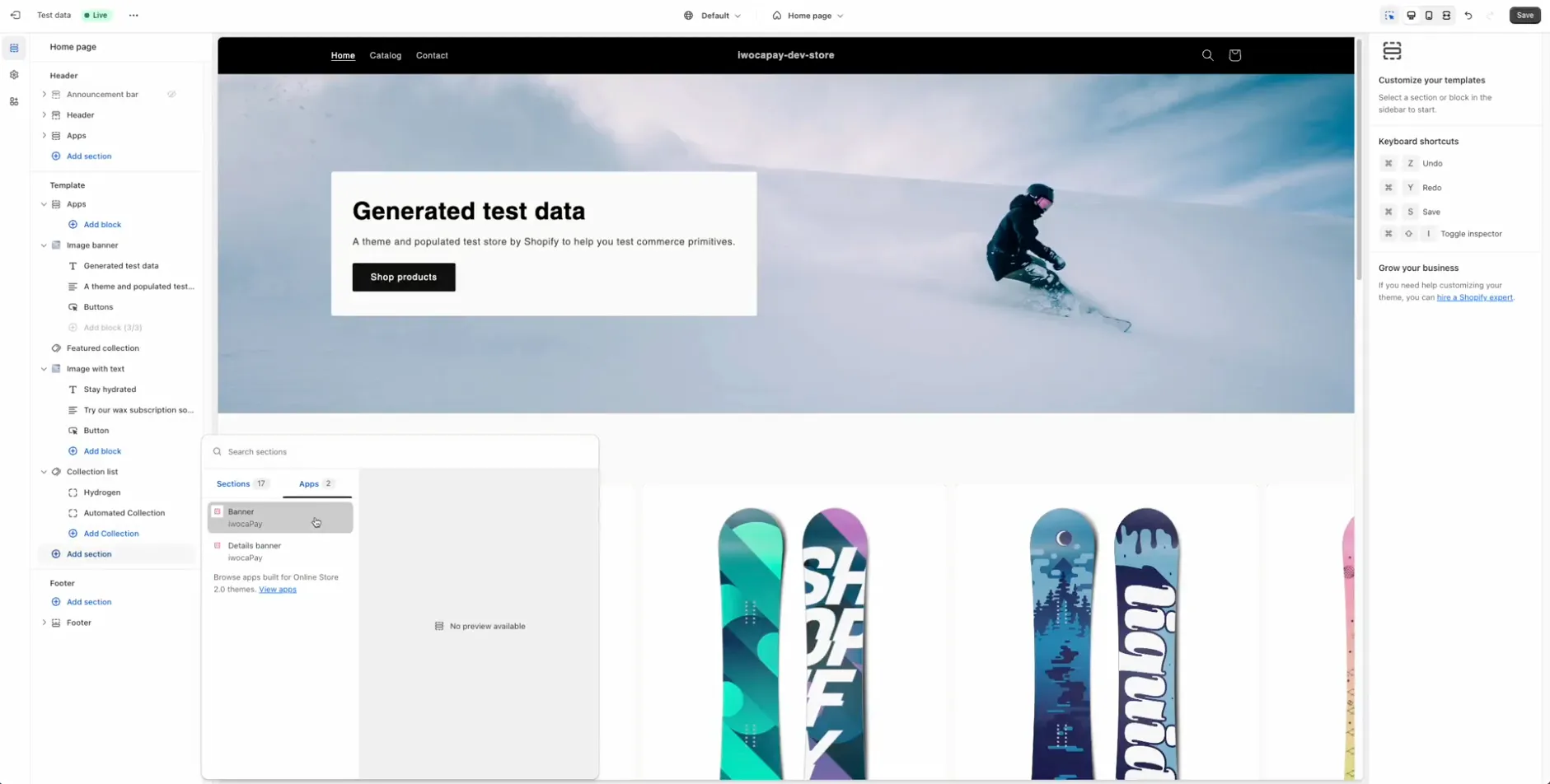
For Shopify 2.0 users, adding iwocaPay signposting banners to your store is a simple way to inform customers about flexible payment options before they reach the checkout, helping increase order values.
Log in to your Shopify admin dashboard.
Go to Online Store > Themes.
Select the page where you’d like to add a banner (such as your Home Page).
Click Add Section.
Go to Apps.
Choose one of the available iwocaPay banners and drag it to your desired location.